онбордингИИ в обученииLMSHR-tech
How to Automate Onboarding with AI and LMS
Automating onboarding with AI and LMS reduces new hire adaptation time by 40–60% and cuts HR workload. A step-by-step guide for companies looking to streamline the process.
Published 7 min read
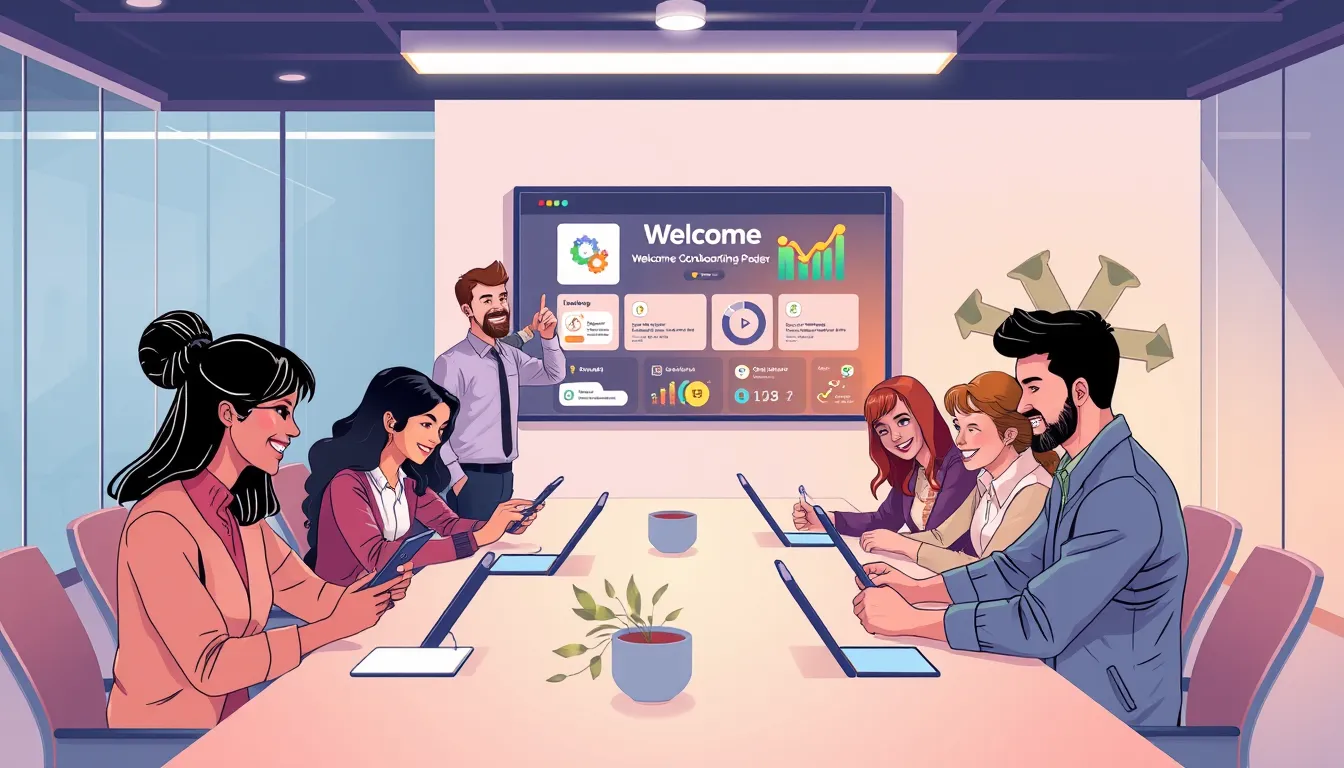
Automating onboarding for new hires with AI and an LMS cuts adaptation time by 40–60%, reduces HR workload, and boosts engagement. Modern platforms like Kelbado let you create personalized courses, automate knowledge checks, and track progress in real time. This is especially valuable for companies with high turnover or remote teams, where manual onboarding becomes inefficient.
Who stands to gain the most? Primarily HR directors and L&D leaders looking to optimize processes and free up time for strategic tasks. Small and medium-sized business owners also benefit—automation reduces reliance on manual effort and speeds up time-to-productivity. With talent competition intensifying and onboarding speed becoming critical by 2026, automated onboarding is no longer a luxury but a necessity.
Why Automated Onboarding Is a Must-Have in 2026
Automated onboarding solves three key challenges for modern businesses:
- High turnover. Studies show up to 20% of new hires leave within the first 45 days. A well-structured onboarding process can cut this rate by half.
- HR time constraints. Manually onboarding one employee takes 10–20 hours of HR’s time. Automation reduces this to just 1–2 hours.
- Fragmented processes. Without a unified system, onboarding materials are scattered, and tracking progress becomes a headache.
AI and LMS create a scalable, streamlined process that grows with your company. For example, a 200-person company can save up to 400 HR hours annually with automated onboarding.
How to Automate Onboarding: A Step-by-Step Guide
Step 1. Audit Your Current Onboarding Process
What to do: Identify existing onboarding stages, materials used, and where delays occur.
- List all onboarding steps (e.g., paperwork, team introductions, corporate training).
- Assess which stages can be automated (e.g., training, testing, task assignments).
- Pinpoint bottlenecks—where employees get stuck or lose motivation.
Example: One company found new hires spent 3 days learning corporate standards because materials were scattered across folders. After automation, this step took just 4 hours.
Step 2. Choose an LMS with AI and Automation Support
What to do: Select a platform that supports course generation from documents, automated assignments, and analytics.
Key LMS features for onboarding automation:
- Course generation from documents (e.g., PDF guides or presentations).
- Automated assignments (e.g., courses triggered upon hiring).
- Interactive formats (videos, quizzes, simulations).
- HR system integrations (e.g., BambooHR or Workday).
- Analytics and reporting (to track progress and engagement).
Pro tip: Look for platforms supporting SCORM and xAPI—this allows using courses from different providers and tracking progress in detail.
Step 3. Create or Adapt Onboarding Materials
What to do: Prepare content for automated onboarding.
- Structure materials by onboarding stages (e.g., “Day 1: Company Introduction,” “Day 3: Corporate Standards”).
- Use AI to generate courses. Upload a corporate guide to your LMS and get an interactive course with quizzes.
- Add interactive elements: videos, quizzes, or job simulations.
- Translate materials if you have an international team.
Content preparation checklist:
- Define key onboarding topics (e.g., company culture, safety, workflows).
- Gather existing materials (presentations, guides, videos).
- Break them into 10–15-minute modules.
- Add tests or practical tasks after each module.
- Verify materials are up-to-date and clear.
Step 4. Set Up Automated Triggers and Assignments
What to do: Configure your LMS to assign courses and tasks automatically.
- Triggers: For example, when a new hire is added to your HR system, the LMS automatically assigns their first course.
- Deadlines: Set completion timelines (e.g., “Complete safety training within 3 days”).
- Notifications: Configure automated emails or push alerts (e.g., “You haven’t completed the corporate culture quiz”).
- Recurring training: For example, annual safety refreshers or product knowledge updates.
Example trigger setup in an LMS:
- Employee is hired → automatically assigned “Welcome to the Company” course.
- Course completed → automatically assigned corporate culture test.
- Test passed → automatically scheduled mentor meeting.
Step 5. Implement an AI Tutor and Personalization
What to do: Use AI to tailor learning to each employee.
- Personalized recommendations: AI analyzes progress and suggests additional materials (e.g., “You struggled with the safety quiz—try this extra module”).
- AI tutor: Employees can ask a chatbot questions (e.g., “How do I request time off?” or “Where’s the report template?”).
- Adaptive learning: Courses adjust to the employee’s knowledge level (e.g., skipping basics for experienced hires).
Example: In a 500-person company, an AI tutor handles 70% of new hire questions, freeing HR for more complex tasks.
Step 6. Test and Optimize the Process
What to do: Run a pilot and gather feedback.
- Pilot group: Test automated onboarding with 5–10 new hires.
- Collect feedback: Ask what worked and what was confusing.
- Optimize: Adjust based on feedback (e.g., shorten courses or add more interactive elements).
- Scale: Roll out the process company-wide after successful testing.
Testing checklist:
- Are all courses uploaded and working correctly?
- Are courses assigned automatically?
- Do notifications and reminders work?
- Is the training user-friendly?
- Is the onboarding structure clear?
Common Onboarding Automation Mistakes
Information overload. New hires receive too much at once, causing stress and disengagement. How to avoid: Break onboarding into small, digestible stages.
Lack of feedback. Employees don’t know how well they’re doing. How to avoid: Add quizzes, tests, and automated progress reports.
Ignoring personalization. Everyone gets the same courses, regardless of role or experience. How to avoid: Use AI to tailor learning paths.
Poor integration with other systems. For example, the LMS doesn’t sync with your HR system, requiring manual data entry. How to avoid: Choose an LMS with API or SCIM support.
Forgetting the human touch. Automation shouldn’t replace all personal interaction. How to avoid: Keep mentor meetings or team introductions, even if most onboarding is online.
Manual vs. Automated Onboarding Comparison
| Criteria | Manual Onboarding | Automated Onboarding |
|---|---|---|
| Adaptation time | 1–2 weeks | 3–5 days |
| HR workload | High (10–20 hours per employee) | Low (1–2 hours per employee) |
| Consistency | Depends on HR specialist | All employees follow the same process |
| Personalization | Hard to implement | Easy with AI |
| Progress tracking | Manual or spreadsheet-based | Automated reports and analytics |
| Scalability | Limited (hard to scale as company grows) | Easily scalable |
FAQ
What is automated onboarding?
Automated onboarding is the process of integrating new employees using digital tools like LMS and AI to accelerate training, reduce HR’s manual workload, and boost engagement.
What are the benefits of automating onboarding with AI?
AI reduces course creation time, personalizes learning paths, automates knowledge checks, and analyzes employee progress—speeding up adaptation and easing the burden on HR.
Can you automate onboarding without an LMS?
Technically, yes—but without an LMS, the process becomes fragmented. Tracking progress, integrating materials, and ensuring consistency become much harder.
How long does it take to set up automated onboarding?
Setting up a basic process takes 1–2 weeks, including uploading materials, creating courses, and configuring tests. With AI tools like Kelbado, it can be done in just a few days.
What are the most common mistakes in onboarding automation?
The biggest pitfalls include overwhelming new hires with information, lacking feedback mechanisms, ignoring personalization, and failing to integrate with other HR systems.
How do you measure the effectiveness of automated onboarding?
Effectiveness is measured by adaptation time, employee engagement (e.g., course completion rates), feedback, and reduced HR workload.
Conclusion
- Automating onboarding with AI and LMS reduces new hire adaptation time by 40–60% and cuts HR workload.
- To succeed, audit your current process, choose the right LMS, prepare materials, and set up automated triggers.
- AI enables personalized learning, interactive elements, and real-time progress tracking.
- Common mistakes include information overload, lack of feedback, and poor system integration.
- After implementation, test the process and optimize based on feedback.
Automated onboarding is an investment in your company’s future. With Kelbado, you can create an efficient, scalable process that saves HR time and accelerates employee adaptation. Start automating your onboarding today and see the difference.