AI-Powered Employee Onboarding Plan with LMS
A step-by-step guide to organizing effective employee onboarding using AI and LMS. Learn how to accelerate adaptation, reduce HR workload, and boost new hire engagement.
8 min read
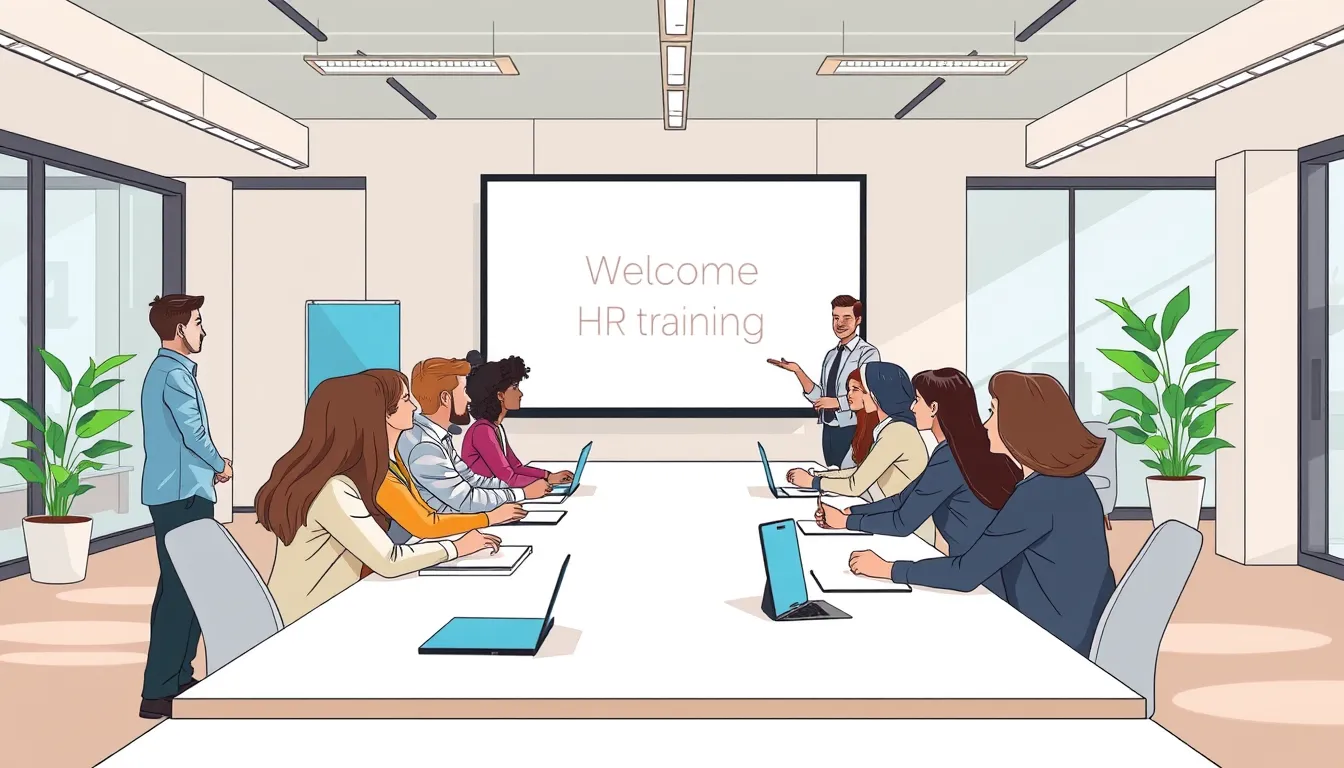
Effective employee onboarding is a structured process that helps new hires integrate quickly and feel like part of the team. By leveraging AI and LMS, companies can automate routine tasks, personalize training, and cut adaptation time by 30–50%. This is especially valuable for businesses with high turnover or frequent hiring, where HR teams face constant pressure. In this article, we’ll break down a step-by-step plan for organizing onboarding with modern technology, suitable for both large corporations and small businesses.
Why is effective onboarding critical? Studies show that up to 20% of new hires leave within the first 45 days if onboarding is poorly organized. Meanwhile, companies with strong onboarding programs retain up to 82% of new employees after the first year. AI and LMS not only speed up training but also make it more engaging, directly impacting employee satisfaction and loyalty.
1. How to Prepare an Onboarding Program: Needs Analysis
Before implementing AI and LMS for onboarding, define your company’s key goals and needs. Conduct an audit of your current adaptation process: identify existing stages, pain points, and areas for improvement with technology. For example, if new hires frequently ask the same questions about company culture, create an interactive course addressing them.
Needs Analysis Checklist:
- Identify key roles requiring onboarding (e.g., sales, managers, technical specialists).
- Pinpoint pain points in the current process (e.g., lengthy training, lack of feedback).
- Gather feedback from recent hires and their managers.
- Assess existing materials (manuals, videos, presentations) and identify gaps.
- Determine which processes can be automated (e.g., course assignments, testing).
After analysis, list the topics and skills new hires must master. For a sales manager, this might include product knowledge, sales techniques, and corporate communication standards.
2. How to Choose an LMS and AI Tools for Onboarding
Selecting the right LMS is crucial for automating onboarding. The ideal platform should support AI-driven course generation, interactive learning formats, analytics, and integration with other HR systems. For example, Kelbado allows you to upload corporate documents and automatically generate courses, quizzes, and workbooks, saving HR time.
LMS Selection Criteria for Onboarding:
- AI support: course generation, automated translation, content adaptation to employee skill level.
- Interactive formats: quizzes, games, simulations, video lessons.
- Analytics: progress tracking, identifying training gaps.
- Integrations: compatibility with HRM systems, video conferencing, and corporate messengers.
- Import/export: SCORM, xAPI, cmi5 support for cross-platform integration.
- Security: GDPR and EU AI Act compliance, EU-based hosting.
If your company already uses an LMS, check if it can integrate AI tools for content generation. For instance, Kelbado supports importing third-party SCORM packages and automatically updating them with AI.
3. How to Create Onboarding Content with AI
Content creation is one of the most time-consuming onboarding tasks. AI automates this process by generating courses, quizzes, and interactive materials from corporate documents. For example, uploading internal manuals, job descriptions, and company presentations into Kelbado can produce a ready-to-use course in minutes.
Step-by-Step AI Content Creation:
- Gather existing materials: manuals, presentations, videos, articles.
- Upload them to an AI-enabled LMS (e.g., Kelbado).
- Choose a content format: course, presentation, workbook, longread, or quiz.
- Set generation parameters: difficulty level, language, writing style.
- Add interactive elements: tests, tasks, simulations.
- Review and edit the generated content.
- Translate the course into required languages (if your team is international).
Example: For retail sales onboarding, create a course featuring:
- A video lesson on corporate service standards.
- An interactive customer interaction simulation.
- A product knowledge quiz.
- A workbook with daily checklists.
4. How to Automate Onboarding with LMS
Automation is key to efficient onboarding. An LMS can automatically assign courses, send reminders, conduct tests, and collect feedback. For example, once a new hire registers in the system, courses are assigned automatically, and HR receives progress updates.
Onboarding Automation Steps:
- Set up automatic course assignments upon new hire registration.
- Create email templates for reminders and instructions (e.g., course completion deadlines).
- Set training deadlines (e.g., "Complete the course within the first 3 days").
- Enable automatic testing after each module.
- Set up feedback collection via forms or chatbots.
- Integrate the LMS with corporate calendars for scheduling meetings and training.
Example: In a 200-employee company, HR spends about 10 hours weekly assigning courses and tracking progress. After implementing an AI-powered LMS, this drops to 1–2 hours, as the system handles assignments, reminders, and reporting.
5. How to Engage New Hires in Onboarding
Engagement is critical for successful onboarding. Even high-quality content won’t deliver results if employees aren’t motivated to learn. Use interactive formats, gamification, and personalization to make training engaging and valuable.
Ways to Boost Engagement:
- Gamification: Add points, badges, and leaderboards for course completion.
- Interactive formats: Quizzes, simulations, and video-based questions.
- Personalization: Tailor content to the employee’s role and skill level.
- Feedback: Provide instant answers via AI tutors.
- Social learning: Create chats or forums for new hires to connect and share experiences.
Example: A software development company created an interactive onboarding course for new programmers, featuring real-world task simulations. Employees solve case studies, receive AI feedback, and compete with colleagues for top results—making learning both faster and more enjoyable.
6. Common Onboarding Mistakes and How to Avoid Them
Even with AI and LMS, mistakes can undermine onboarding effectiveness. Here are the most common pitfalls and how to prevent them:
Mistake 1: Information Overload. New hires receive too much material at once, causing stress and reducing motivation. Solution: Break onboarding into stages. For example, day one covers company basics, while day two focuses on product training.
Mistake 2: Lack of Feedback. Employees don’t know how well they’re performing. Solution: Enable automatic testing after each module and provide instant AI feedback.
Mistake 3: Ignoring Corporate Culture. Onboarding focuses only on technical skills, neglecting company values. Solution: Include corporate culture training, such as leadership video interviews or interactive case studies.
Mistake 4: No Managerial Support. New hires feel abandoned if their manager isn’t involved. Solution: Assign each new hire a mentor or manager to regularly check progress and answer questions.
Mistake 5: Inflexible Program. Onboarding doesn’t adapt to different roles or skill levels. Solution: Use AI to personalize content. For example, Kelbado automatically adjusts course difficulty based on the employee’s knowledge level.
7. How to Measure Onboarding Effectiveness with AI and LMS
Evaluating onboarding effectiveness helps identify what’s working and what needs improvement. Use LMS analytics, employee feedback, and engagement metrics to assess results.
Key Onboarding Metrics:
- Adaptation time: Days until an employee works independently.
- Engagement level: Percentage of employees completing training.
- Test results: Average scores and number of attempts.
- Feedback: Ratings from new hires and managers (e.g., 1–10 scale).
- Retention: Percentage of new hires staying after 3, 6, and 12 months.
How to Use LMS Analytics:
- Track each employee’s progress in their personal dashboard.
- Identify weak spots in training (e.g., modules with low completion rates).
- Analyze time spent on training vs. planned benchmarks.
- Collect feedback via built-in forms or chatbots.
Example: A retail company reduced new sales associate adaptation time from 14 to 7 days after implementing an AI-powered LMS, while 6-month retention improved by 15%. This was achieved through personalized training and automation of routine tasks.
FAQ
What is employee onboarding?
Employee onboarding is the process of integrating new hires into a company, covering training, corporate culture familiarization, and workflow adaptation.
Why use an LMS for onboarding?
An LMS (Learning Management System) automates onboarding, ensures consistent training, and tracks each employee’s progress.
How does AI help with onboarding?
AI generates personalized courses, tailors content to an employee’s knowledge level, analyzes training effectiveness, and provides improvement recommendations.
How long does onboarding take with AI and LMS?
Onboarding duration varies by complexity, but AI and LMS can reduce it by 30–50% through automation and faster training.
What tools are needed for AI-powered onboarding?
An AI-enabled LMS with features like course generation, automated translation, analytics, and interactive learning formats is essential for effective onboarding.
How do you measure onboarding effectiveness?
Onboarding effectiveness can be measured by adaptation time, engagement levels, test results, and feedback from new hires and their managers.
Conclusion
- AI and LMS-powered onboarding accelerates new hire adaptation, reduces HR workload, and boosts engagement.
- Key onboarding steps: needs analysis, tool selection, content creation, process automation, and effectiveness evaluation.
- AI automates course creation, personalizes training, and analyzes employee progress.
- LMS ensures consistent training, progress tracking, and integration with other HR systems.
- Employee engagement can be enhanced through gamification, interactive formats, and feedback.
To optimize onboarding in your company, try Kelbado—a platform combining LMS and AI to create effective adaptation programs. Upload your corporate documents, and AI will generate ready-to-use courses, quizzes, and workbooks in minutes.