Which Training Formats in an LMS Work Best for Different Employees
Different roles in a company require different training formats. Learn how to choose the best AI-powered LMS formats for sales teams, technicians, remote employees, and other staff categories.
7 min read
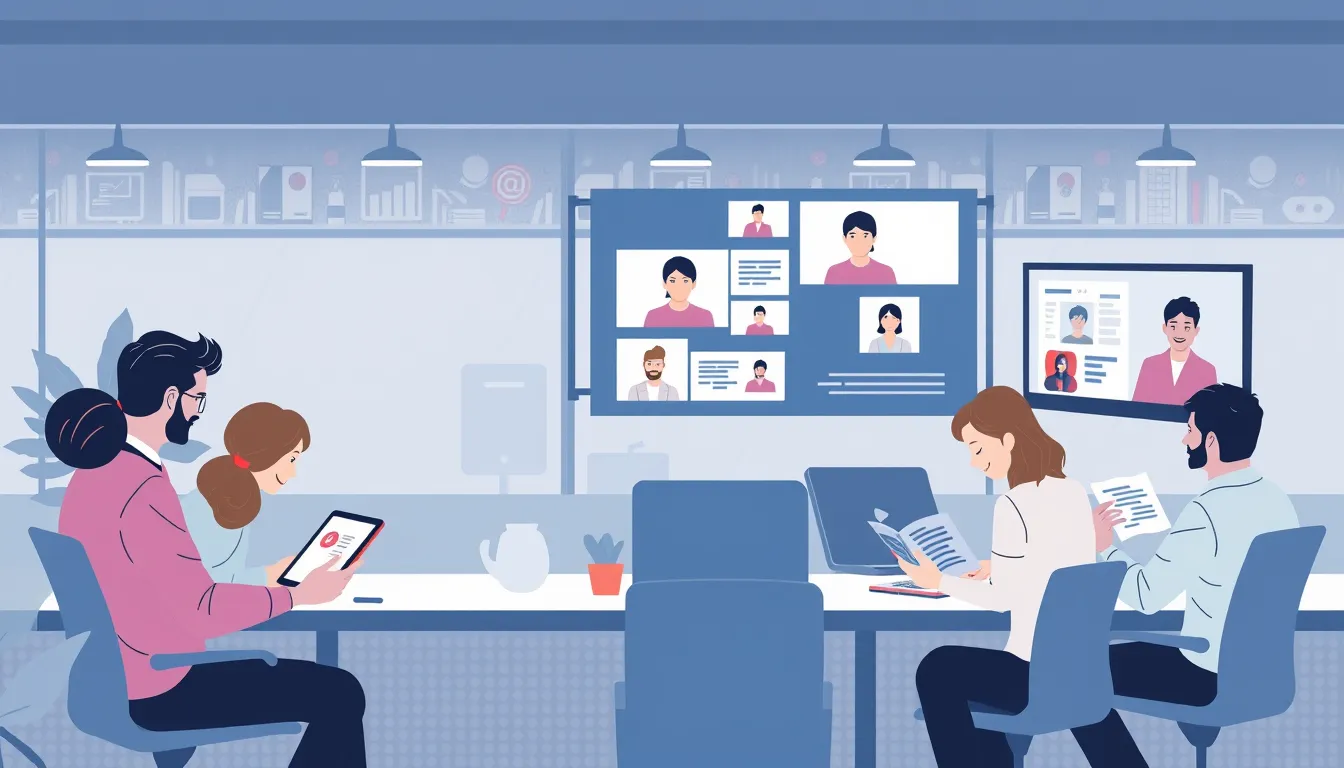
Choosing the right training formats in an AI-powered LMS depends on an employee’s role, tasks, and learning style. For example, sales teams excel with interactive quizzes, while technical staff benefit from hands-on simulations. The right format boosts engagement and training effectiveness by 30–50% according to Eurostat, as employees are more likely to complete courses when the content aligns with their needs.
Why does this matter? In 2026, 46.6% of EU residents participated in learning over the past 12 months, but not all formats work equally well for every role. Remote teams, for instance, absorb material better through microlearning and videos, while office-based employees may prefer interactive presentations and workbooks. AI in LMS platforms automatically tailors formats by analyzing course completion data and employee preferences.
Who is this for? L&D leaders, HR specialists, and business owners looking to enhance corporate training programs by adapting them to different roles. We’ll explore which formats work best for sales teams, technical staff, remote employees, and other categories—and how AI streamlines the process.
Best LMS Training Formats for Sales Teams
Sales and customer-facing roles thrive with formats that develop communication skills and allow quick application of knowledge. Here are the most effective options:
- Interactive quizzes – Reinforce product knowledge and sales scenarios. For example, after learning product features, employees take a quiz on choosing the right sales strategy for different customer types.
- Role-playing and simulations – Practice skills in a risk-free environment. A simulation of handling a difficult customer helps sales reps refine their responses to objections.
- Video lessons with examples – Short clips demonstrating successful sales techniques or common mistakes. For instance, a video on closing a deal can spark team discussions.
- Microlearning – Bite-sized lessons (2–5 minutes) on specific topics, like "How to respond to price objections." Perfect for quick refreshers before a shift.
Example: A retail chain with 500 employees implemented microlearning and quizzes for sales associates. New product sales increased by 20% in three months, while training time dropped by 40%.
Best Training Formats for Technical Staff
Technical roles (IT, engineers, mechanics) learn best through hands-on tasks and simulations. Here are the top formats:
- Hands-on tasks and simulations – Virtual labs for IT professionals to practice equipment setup or troubleshooting.
- Interactive diagrams and schematics – Visualize complex processes. For example, an engine diagram that lets users "disassemble" parts in a virtual environment.
- Workbooks with exercises – Employees complete tasks directly in the LMS, such as coding challenges or load calculations.
- Case-study videos – Detailed walkthroughs of real-world technical problems, like fixing equipment malfunctions.
Example: A manufacturing company with 300 employees introduced simulations for mechanics. Equipment servicing errors dropped by 35%, and new hire training time decreased by 25%.
Effective Training Formats for Remote Employees
Remote employees often juggle time constraints and distractions. Flexible, accessible formats work best:
- Microlearning – Short lessons (2–5 minutes) that fit into any schedule. Examples include checklists for preparing for online meetings or infographics on corporate email etiquette.
- Video lessons – Concise videos explaining key topics, like using corporate software or conducting effective virtual negotiations.
- Interactive webinars – Live sessions with Q&A and chat discussions. For example, weekly webinars on new company products.
- Quizzes and tests – Reinforce knowledge and assess understanding. A quiz on remote work safety protocols, for instance.
- Forums and discussions – Employees share experiences and ask questions. A forum for discussing remote work best practices fosters collaboration.
Example: A company with 200 remote employees adopted microlearning and webinars. Training engagement rose by 40%, and new hire onboarding time shrank by 30%.
Learn more about implementing microlearning in your company in our guide: "How to Implement Microlearning in Your Company in 5 Steps".
How AI Helps Tailor Training Formats for Employees
AI in LMS platforms analyzes course completion data, employee preferences, and performance to recommend the best training formats. Here’s how it works:
- Data analysis – AI tracks which formats employees complete faster and with better results.
- Personalization – Based on the analysis, AI suggests formats that match an employee’s learning style. For example, if someone learns best through videos, AI will prioritize video lessons.
- Content adaptation – AI can automatically convert one format into another, such as turning a text lesson into an interactive quiz or a video into a checklist.
- Recommendations – AI suggests courses in formats that suit each employee, boosting engagement and effectiveness.
Example: A company with 150 employees used Kelbado’s AI platform to adapt training formats for each staff member. Training time decreased by 30%, and knowledge test scores improved by 25%.
Best Training Formats for Managers and Leaders
Managers and leaders need training that develops leadership skills and decision-making abilities. Here are the most effective formats:
- Case studies and business simulations – Practice management skills in real-world scenarios. For example, a crisis simulation where leaders choose a recovery strategy.
- Long-form articles and guides – In-depth materials on leadership, team management, and strategic planning.
- Expert video interviews – Advice from successful leaders and business coaches.
- Interactive presentations – For example, a presentation on motivating teams, followed by a quiz to test understanding.
- Workbooks with exercises – Tasks like developing a team development plan for the quarter.
Example: A company with 100 managers introduced business simulations and case studies. 80% of participants reported improved leadership skills, and decision-making time decreased by 20%.
Common Mistakes When Choosing Training Formats
Choosing the wrong training format can reduce engagement and effectiveness. Here are the most common mistakes and how to avoid them:
- Using one format for everyone – Ignoring role and learning style differences. Solution: Adapt formats to different employee categories.
- Overly long lessons – Employees lose interest and retain less. Solution: Use microlearning and break content into short modules.
- Lack of interactivity – Passive content consumption reduces effectiveness. Solution: Add quizzes, simulations, and hands-on tasks.
- Insufficient personalization – Employees don’t see the value in training. Solution: Use AI to tailor formats to each employee.
- Ignoring feedback – Not accounting for employee preferences. Solution: Regularly gather feedback and adjust training formats.
Learn more about why employees skip training in our article: "Why Employees Skip Training: 7 Reasons and Solutions".
Checklist: How to Choose the Right Training Format for Employees
- Identify the employee’s role – Sales, technical staff, manager, or remote employee.
- Analyze training goals – Which skills need development: communication, technical, or leadership.
- Consider learning style – Visual learners prefer videos and diagrams, auditory learners benefit from audio lessons, and kinesthetic learners thrive with hands-on tasks.
- Select the right format – For sales: quizzes and role-playing; for technical staff: simulations and workbooks.
- Use AI for personalization – Analyze course completion data and adapt formats to each employee.
- Test and refine – Gather feedback and adjust training formats as needed.
- Combine formats – Use multiple formats in one course to boost effectiveness.
FAQ
Which training formats work best for microlearning?
Short videos, interactive quizzes, checklists, and infographics are ideal for microlearning, as they take minimal time and are easy to digest.
What’s the best training format for remote employees?
Remote employees thrive with microlearning, video lessons, and interactive webinars, as these allow them to learn at their own pace and convenience.
Can you use the same training format for all employees?
No, different roles require different approaches. For example, sales teams benefit from interactive quizzes, while technical staff learn best through hands-on tasks and simulations.
How does AI help choose the right training format?
AI analyzes course completion data and adapts formats to match each employee’s learning style, increasing engagement and effectiveness.
How can you measure the effectiveness of a training format?
Effectiveness can be measured through completion rates, engagement metrics, and knowledge test results in the LMS. AI also helps analyze data and suggest improvements.
Can you combine different training formats in one course?
Yes, combining formats—such as videos, quizzes, and workbooks—makes training more engaging and effective for diverse learning styles.
Conclusion
- Choose LMS training formats based on an employee’s role, tasks, and learning style.
- Sales teams excel with interactive quizzes, role-playing, and microlearning.
- Technical staff benefit from hands-on tasks, simulations, and workbooks.
- Remote employees learn best with microlearning, video lessons, and webinars.
- AI personalizes training by analyzing course completion data and adapting formats to each employee.
Try the Kelbado platform to automatically tailor the best training formats for your employees and enhance your online corporate training effectiveness. Learn more about Kelbado’s business solutions on the Kelbado for Business: Corporate Training Scenarios page.