Why AI in Learning Fails and How to Fix It
Corporate training with AI often falls short due to implementation mistakes and misaligned expectations. We explore 7 key reasons why and provide a step-by-step plan to turn things around.
10 min read
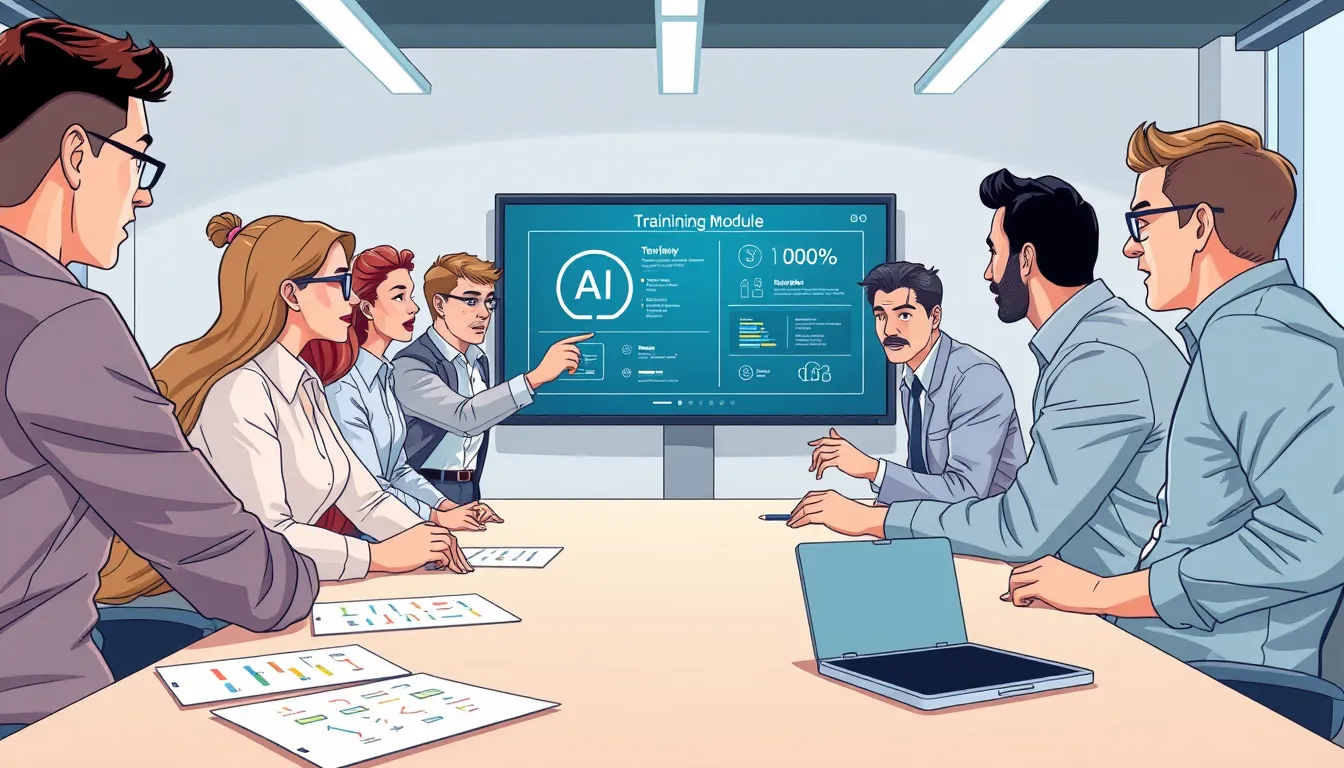
Corporate training with AI fails when implementation lacks strategy, employee engagement, or data-driven insights. Common pitfalls include unrealistic expectations, poor-quality content, or technical glitches. The fix? A 5-step plan: audit your current program, optimize content, engage your team, refine analytics, and review approaches regularly.
Why does this matter? By 2026, 20% of EU enterprises with 10+ employees will use AI technologies—but not all will see results. Corporate training is a prime AI application, yet without the right approach, investments in platforms and courses go to waste. For HR and L&D leaders, this means lost budgets and missed opportunities to upskill teams.
This article pinpoints why AI training underperforms and offers actionable fixes. We’ll break down common mistakes, share an audit checklist, and show how to maximize AI’s potential in your LMS platform.
Why AI in Learning Falls Short
The biggest reason for failure? A mismatch between expectations and reality. Many companies adopt AI in training expecting instant results—but overlook critical factors like content quality, employee buy-in, and analytics. Here are 7 key reasons why AI-powered LMS training fails:
- Irrelevant content. AI-generated courses often feel generic or ignore company-specific needs. For example, a sales module for a retail chain won’t help if it doesn’t address your products or customers.
- Lack of employee engagement. If staff don’t see the value or connection to their work, they’ll skip training. Engagement must start before launch.
- Technical issues. LMS integration problems, faulty AI generators, or unsupported formats (like SCORM or xAPI) lead to frustration and drop-offs.
- Poor analytics. Without data on completion rates, performance, or engagement, you can’t measure success or make improvements. AI in learning isn’t just about content—it’s about insights.
- Overestimating AI. Artificial intelligence speeds up course creation and personalizes learning, but it can’t replace human expertise. It won’t fix motivation issues or cultural barriers.
- No leadership support. If management doesn’t champion the initiative, employees won’t take it seriously. Align AI training with your company’s growth strategy.
- Ignoring feedback. Employees are your end users. Their input helps identify gaps and refine programs.
How to Audit Your Current Training Program
An audit is the first step to fixing underperforming training. It reveals weak spots and shows where your program is stumbling. Here’s how to do it:
Gather data
- Course completion rates (aim for 80%+).
- Average time spent per module.
- Employee ratings and feedback (surveys or interviews).
- Repeat training rates (how many return to courses).
Review content
- Does the material align with employees’ daily tasks?
- Is the content up-to-date (e.g., current data, examples)?
- Are there interactive elements (quizzes, games, case studies)?
Evaluate the platform
- Is the interface user-friendly? (Conduct usability testing.)
- Does it work across devices (mobile, tablet, desktop)?
- Are there technical glitches (e.g., course loading errors)?
Assess engagement
- How did employees learn about the courses? Was communication clear?
- Are there incentives (e.g., bonuses for completion)?
- How is feedback collected (forums, chats, surveys)?
Compare against goals
- Are KPIs being met (e.g., faster onboarding, higher sales)?
- Is training linked to career growth?
Audit checklist
- Course completion data collected and analyzed.
- Content reviewed for relevance and accuracy.
- Platform tested for usability and technical issues.
- Employee engagement assessed (surveys, interviews).
- Training goals matched against results.
How to Optimize Content for AI Learning
Quality content is the backbone of effective training. AI can generate courses in minutes—but without the right tweaks, the output feels shallow. Here’s how to make it engaging and useful:
Tailor it to your company
- Use internal documents (policies, manuals, case studies) to generate courses. For example, in Kelbado, you can upload company materials to create custom content.
- Include real-world examples from your business. This boosts relevance and motivation.
Break it into micro-lessons
- Long courses overwhelm learners. Split material into bite-sized lessons (5–10 minutes), like in microlearning. This improves completion rates.
Add interactivity
- Quizzes, games, simulations, and case studies make learning fun. Kelbado offers 9 content formats, including interactive slides and quizzes.
- Mix formats: video, text, audio. This caters to different learning styles.
Personalize the experience
- AI can adapt courses to each employee’s knowledge level. For example, if a quiz reveals gaps, the system suggests extra materials.
- Customize by role. A sales course for marketers should differ from one for sales reps—even if the topic is the same.
Update regularly
- Laws, tech, and business processes evolve. Ensure courses stay current. For example, if customer service standards change, update the training.
Optimization in action A 200-employee company rolled out AI training for its sales team. Initially, the courses were generic and ignored product specifics. After an audit:
- Uploaded internal presentations and manuals to the LMS system.
- Split the course into 7-minute micro-lessons.
- Added interactive case studies with real customer scenarios. Result: Completion rates jumped from 50% to 85%, and sales grew by 12%.
How to Engage Employees in AI Learning
Employee engagement is the key to success. If they’re not motivated, even the best course won’t deliver results. Here’s how to spark interest:
Explain the “why”
- Show how the course helps their work. Example: “This module teaches you our new CRM, cutting order processing time by 30%.”
- Share success stories. Highlight how training helped others (e.g., promotions, bonuses).
Gamify learning
- Introduce leaderboards or rewards for completion. Example: Employees who finish all modules in a month earn a certificate or bonus.
- Run team competitions. The department that completes training fastest wins a team lunch.
Get leadership involved
- If executives take courses first and share feedback, it motivates the team. Example: A CEO could record a video on how the course helped them.
- Tie training to KPIs. Example: Course completion could be a prerequisite for promotions.
Make it accessible
- Ensure mobile-friendly access. This helps employees who work remotely or on the go.
- Offer flexible scheduling. Let employees learn anytime—not just during work hours.
Encourage feedback
- Create a channel for input (e.g., a Teams chat or LMS survey). Regularly collect opinions and act on them.
- Host learning discussions. Example: Monthly roundtables where employees share insights and suggestions.
Engagement killers to avoid
- Forcing training. If employees don’t see the value, they’ll resist. Always explain the benefits.
- No support. If they hit a snag, they need someone to ask. Assign a training point person.
- Overly complex courses. If material is dense or lengthy, employees will quit halfway. Simplify and chunk it.
How to Use Analytics to Improve AI Learning
Analytics reveal what’s working—and what’s not. Without data, you’re flying blind. Here’s how to use it effectively:
Track key metrics
- Completion rates: How many start and finish courses.
- Average time spent: How long employees take per module.
- Quiz scores: How well they grasp the material.
- Repeat training: How many return to courses.
- Engagement: Time spent in the system, popular modules.
Analyze the data
- Spot weak points. Example: If employees drop off at Module 3, it might be too hard or boring.
- Compare departments. Example: If sales teams complete courses faster than accounting, find out why.
- Monitor trends. Example: Rising completion rates after a content update? That’s a win.
Leverage AI for insights
- Modern LMS platforms like Kelbado use AI to analyze data and suggest improvements. Example: The system might flag a question most employees get wrong and recommend extra materials.
- AI can personalize learning paths. Example: If an employee struggles with a topic, the system assigns extra exercises.
Act on the data
- If completion rates are low, simplify the course or break it into smaller parts.
- If scores are poor, add more interactive elements or examples.
- If engagement dips, introduce competitions or incentives.
Analytics in action A company noticed employees were dropping a safety course at Module 2. Analytics revealed:
- Module 2 was 25 minutes long (too long).
- It was text-heavy with little interactivity.
- Employees spent twice as long on it as other modules.
After changes:
- Split Module 2 into 3 parts (8 minutes each).
- Added interactive quizzes and videos.
- Simplified the language. Result: Completion rates for Module 2 soared from 40% to 90%.
How to Integrate AI Learning into Company Culture
AI training shouldn’t be a one-off—it should be part of your company’s DNA. Here’s how to make it stick:
Link learning to career growth
- Make course completion a requirement for promotions or bonuses. Example: Employees who finish all sales modules get priority for leadership roles.
- Include training in individual development plans. Example: At the start of the year, discuss which courses will help them meet their goals.
Foster a culture of continuous learning
- Encourage knowledge sharing. Example: Host internal webinars where employees teach what they’ve learned.
- Embed continuous learning into workflows. Example: Require one new course per month.
Get leadership buy-in
- If executives participate, it motivates the team. Example: A CEO could record a video on how a course helped them.
- Align training with company strategy. Example: Declare 2026 the “Year of Learning” and set a goal to upskill all employees.
Build a learning community
- Create forums or chats for employees to discuss courses, share tips, and ask questions.
- Host regular learning reviews. Example: Monthly roundtables where employees share feedback and ideas.
Customize for roles
- New hires and veterans need different content. Example: New employees need basics; experienced staff need advanced skills.
- Tailor by department. Example: A sales course for marketing should differ from one for sales reps.
Integration pitfalls to avoid
- One-off initiatives. If training isn’t part of daily work, employees will forget it. Make it a long-term strategy.
- No support. If employees don’t get help when stuck, they’ll lose interest. Assign a training owner.
- Ignoring feedback. If you don’t act on employee input, courses will flop. Regularly collect and implement feedback.
FAQ
Why do employees ignore AI-powered courses?
Most often, it’s due to lack of motivation, irrelevant content, or a cumbersome platform. Engage employees in course creation and tailor materials to their real-world tasks.
Can ineffective AI training be fixed without replacing the LMS?
Yes, if the issue isn’t tied to technical limitations. Start by auditing current mistakes, optimizing content, and boosting employee engagement.
How can you tell if AI in training isn’t working?
Key red flags include low course completion rates, no observable behavior changes, and negative feedback. Use your LMS analytics to assess performance.
Do employees need training to use AI in an LMS?
Yes—even user-friendly platforms require basic onboarding. A short training session ensures employees know how to navigate the tool effectively.
How does AI help fix training mistakes?
AI analyzes course completion data, identifies weak spots, and suggests personalized recommendations for each employee. This speeds up program adjustments.
How long does it take to fix ineffective AI training?
It depends on the scale of issues. Minor tweaks (like content updates) may show results in 2–4 weeks, while deeper restructuring can take 2–3 months.
Conclusion
- AI in corporate training fails due to implementation mistakes: irrelevant content, low engagement, technical issues, and poor analytics.
- Auditing your current program is the first step. It reveals weak spots and shows where training is falling short.
- Quality content is non-negotiable. Tailor courses to your company, break them into micro-lessons, and add interactivity.
- Employee engagement hinges on motivation, leadership support, and accessibility. Use gamification, feedback, and flexible scheduling.
- Analytics drive smarter decisions. Track key metrics, leverage AI for insights, and refine programs based on data.
AI in LMS training is a powerful tool—but only with the right approach. Start with an audit, optimize content, engage your team, and use analytics to improve. If you’re looking for a platform to automate and enhance training, try Kelbado. It’s an AI-powered LMS system with SCORM, xAPI, and cmi5 support, designed to adapt to your needs.